ES5
Runs on old and new TVs
Plain ES5 JavaScript for the browser engines of older smart TVs. Tuned against 2018-era engines on a throttled CPU.
Xtream API player for Smart TVs and devices
Trust Player is a white-label app for content providers. Your customers install one app, type your Provider ID and see your logo, your color and your catalog, on Samsung, LG, Android, Roku and iOS.
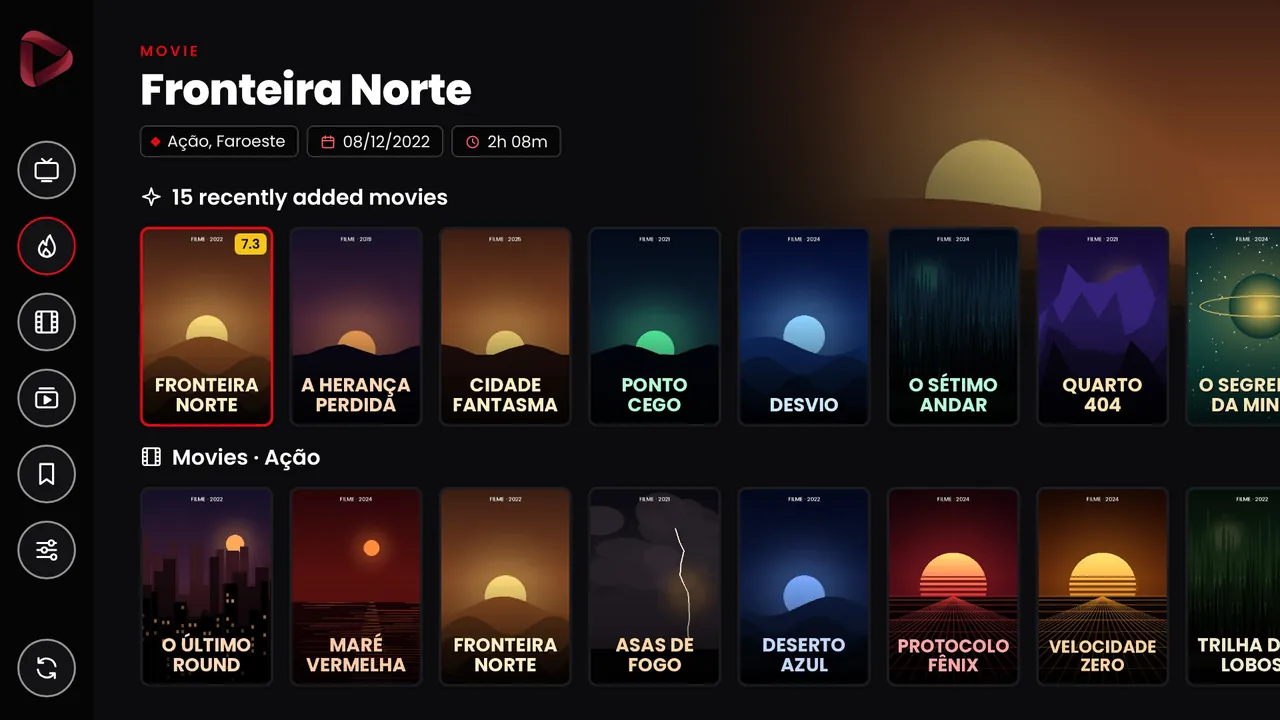
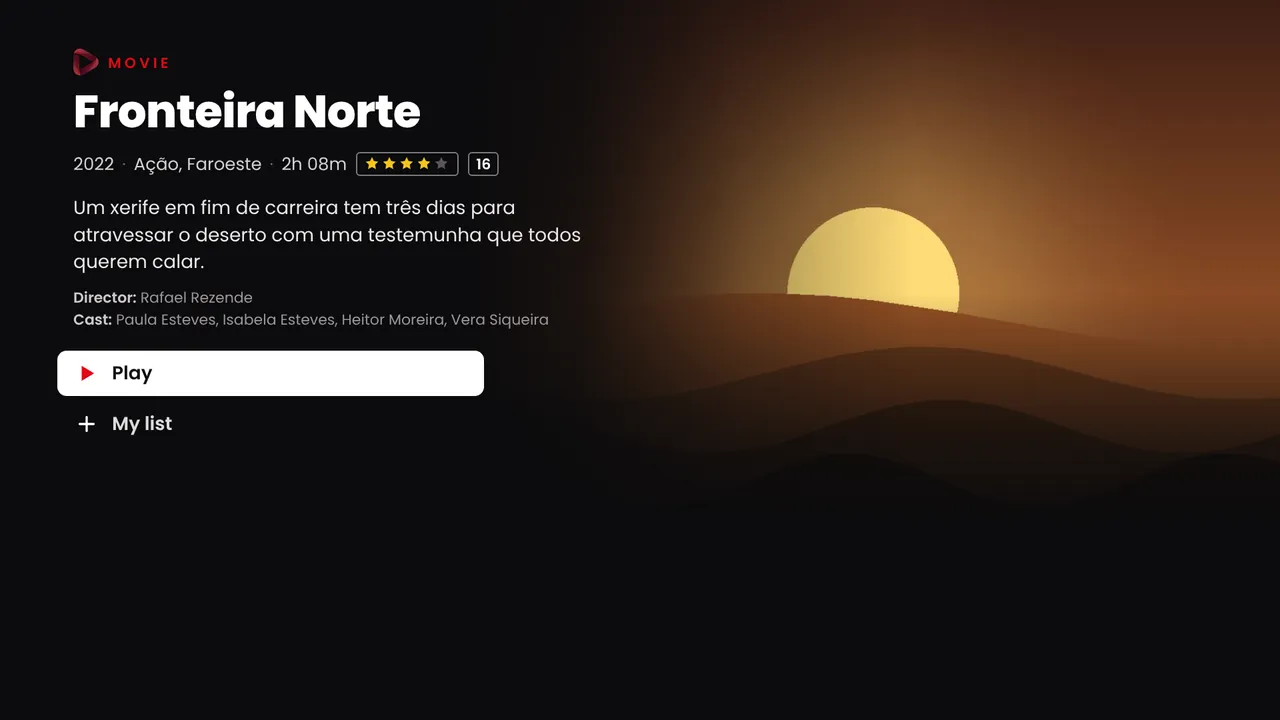
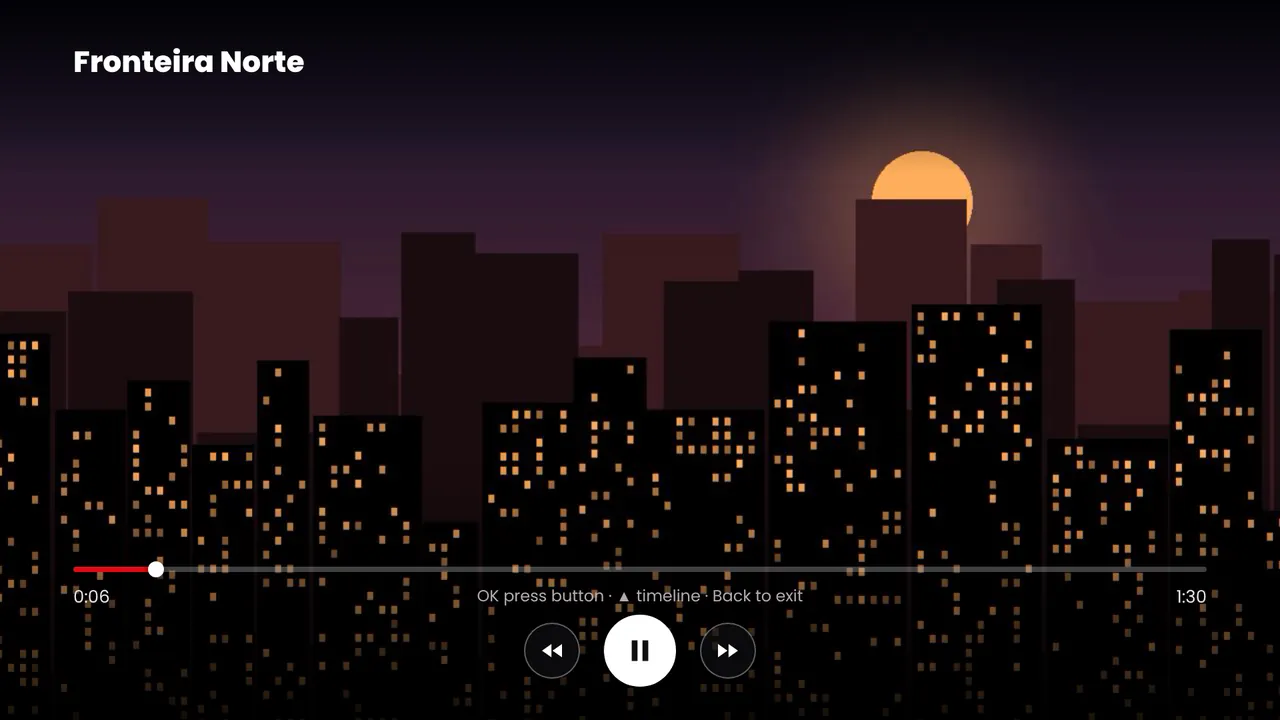
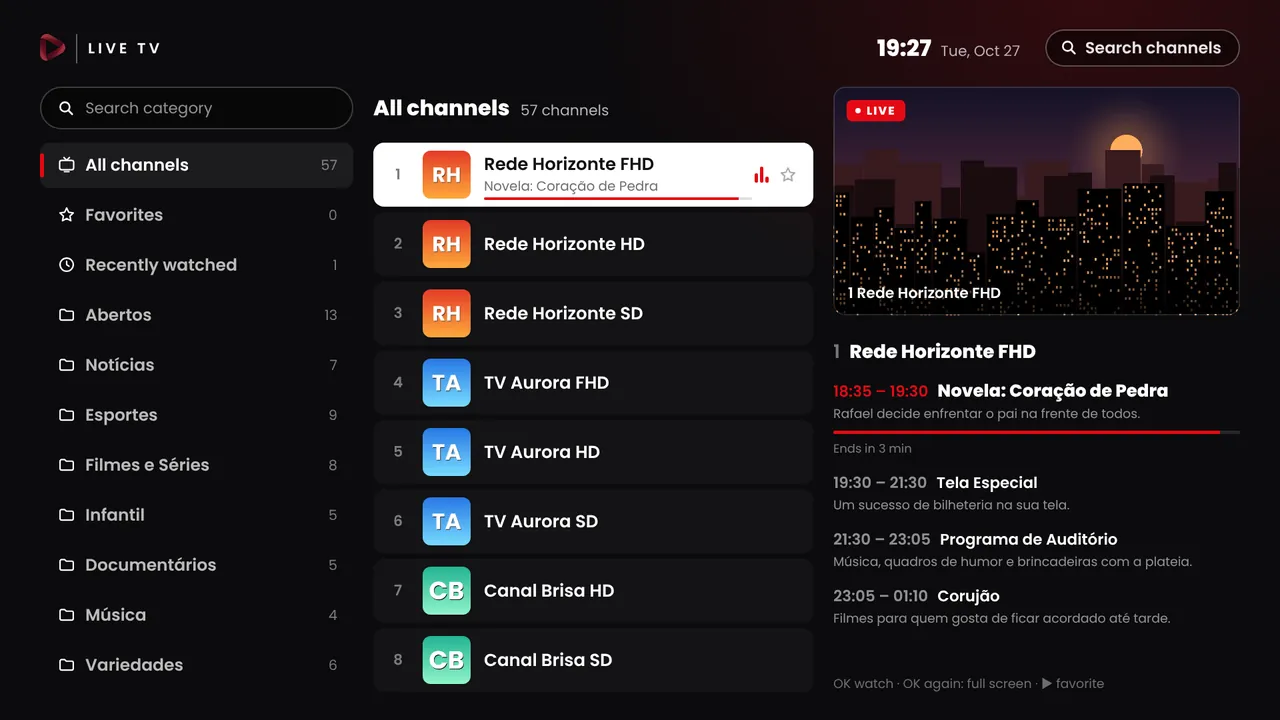
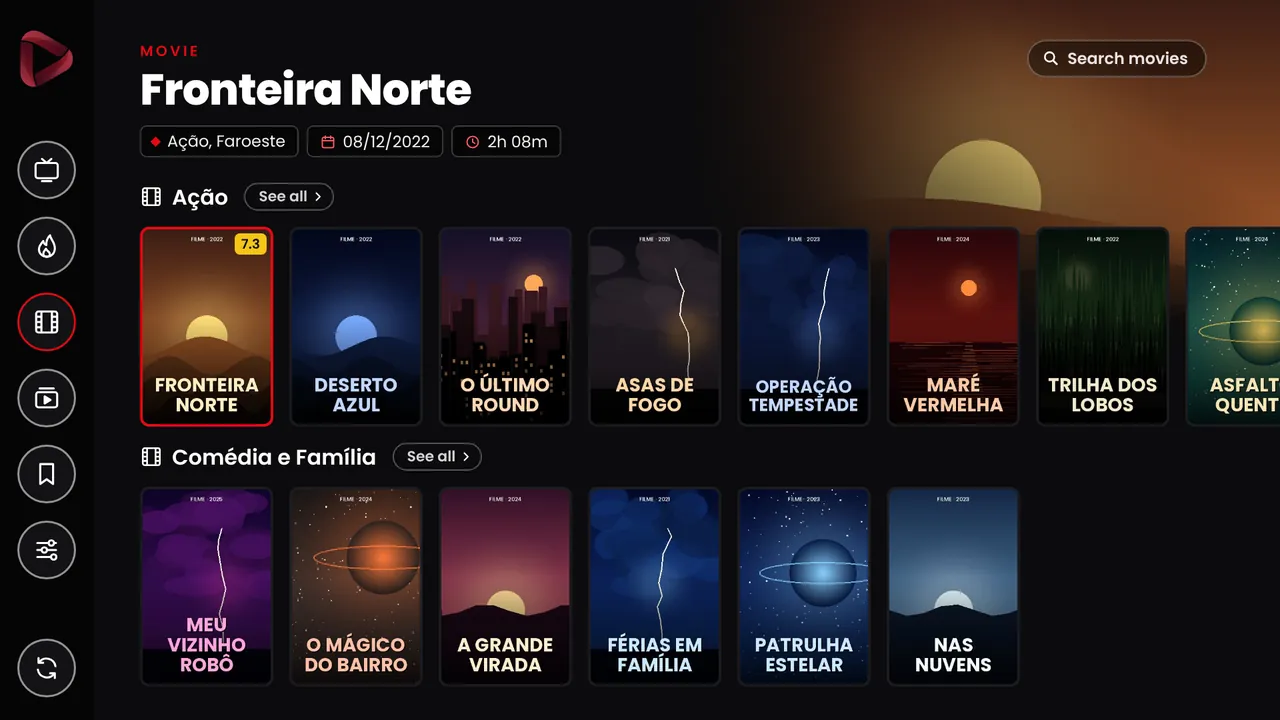
Inside the app
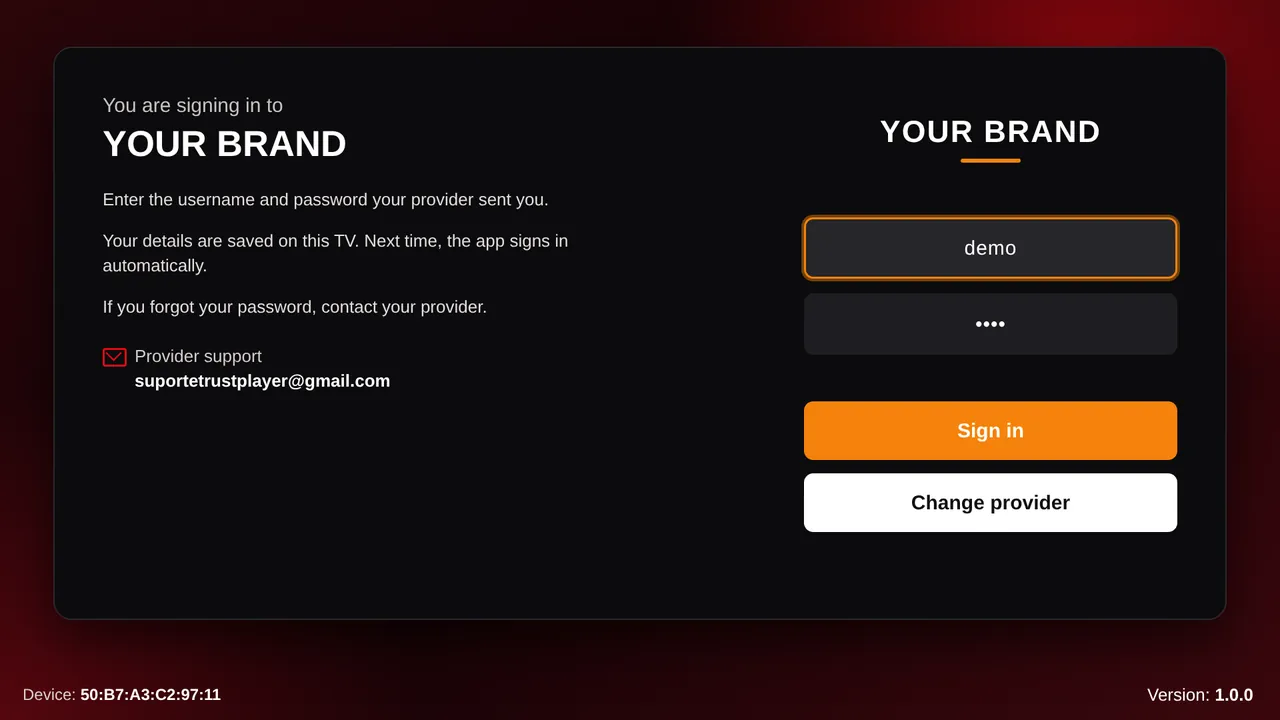
These are real screens from the app, captured in demo mode. Use the remote, the list or your keyboard to move around.
Screens
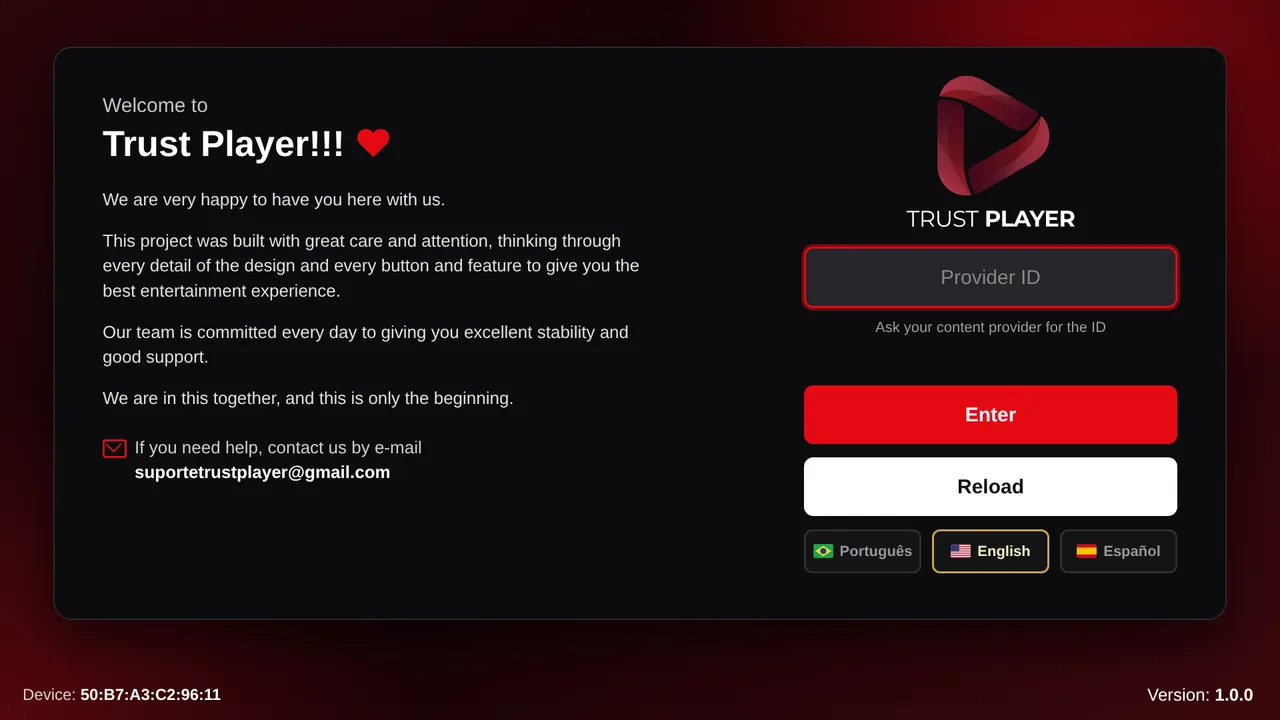
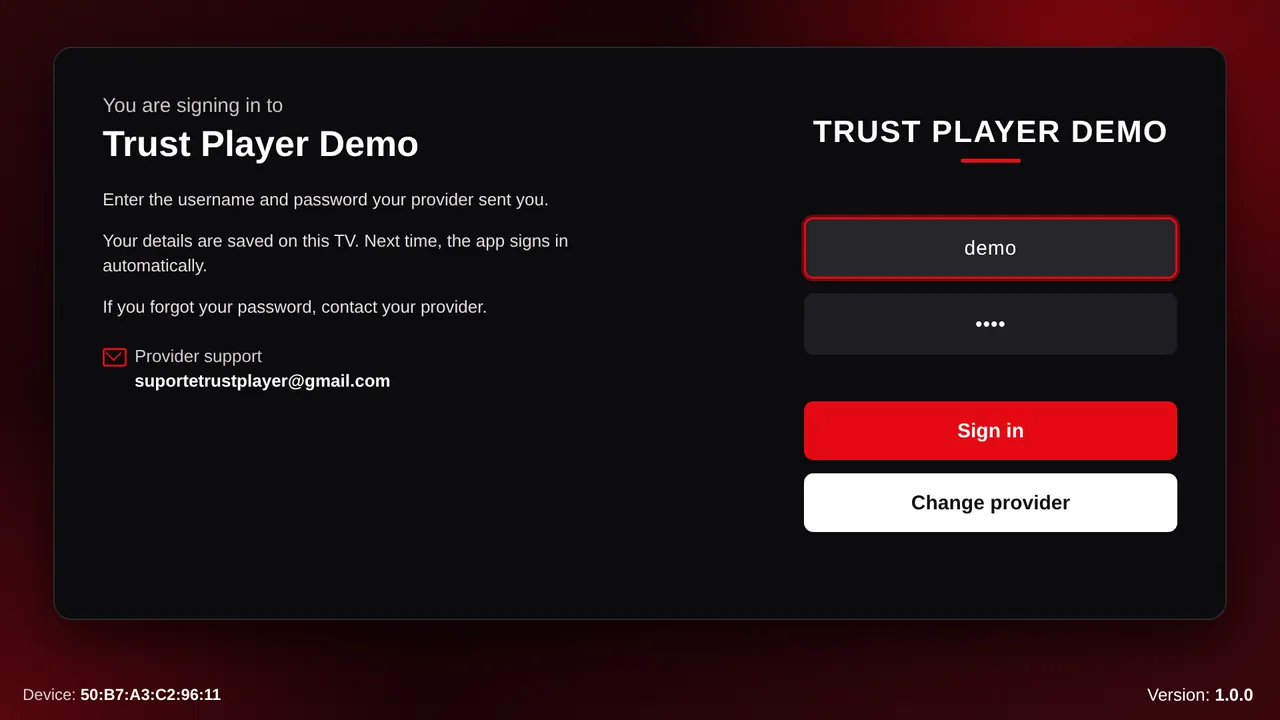
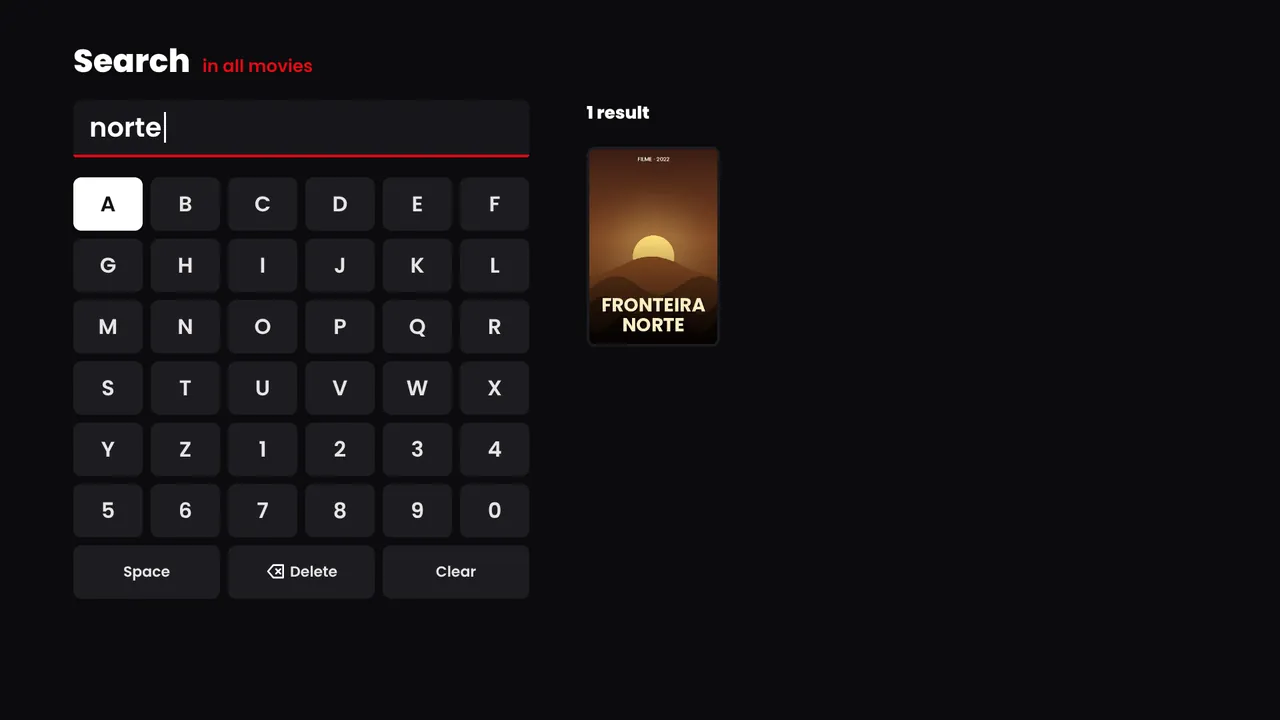
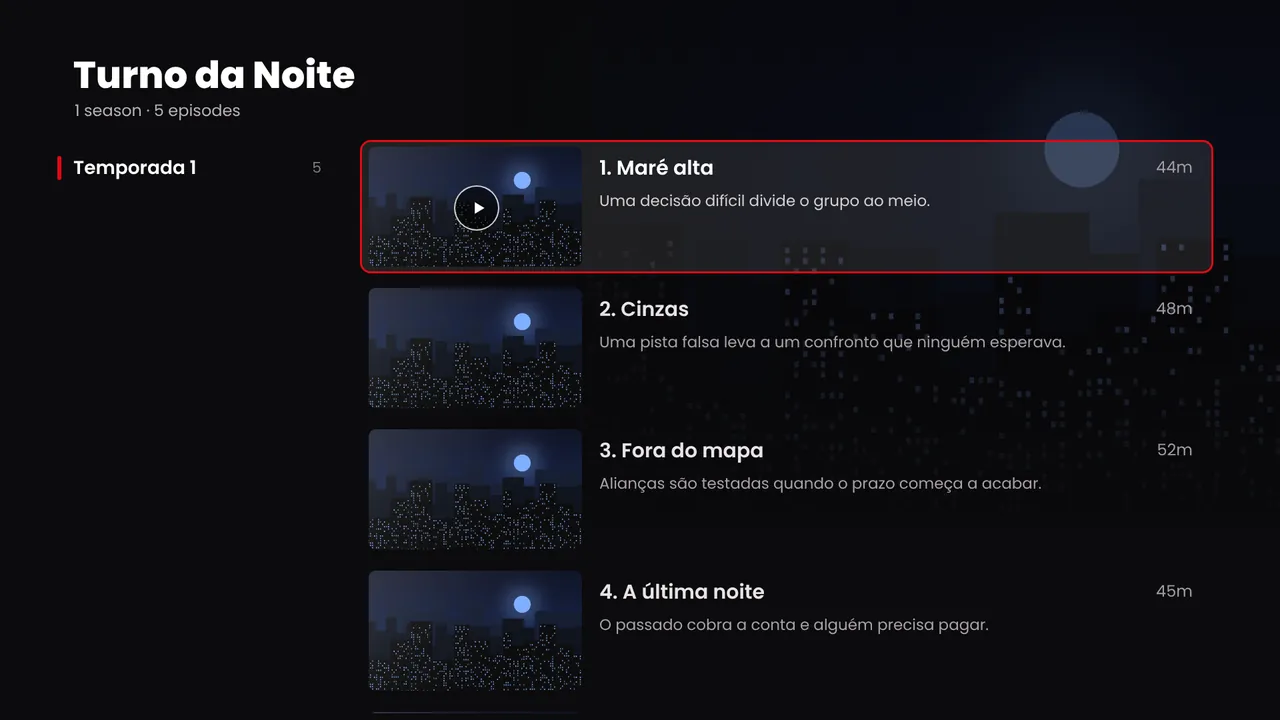
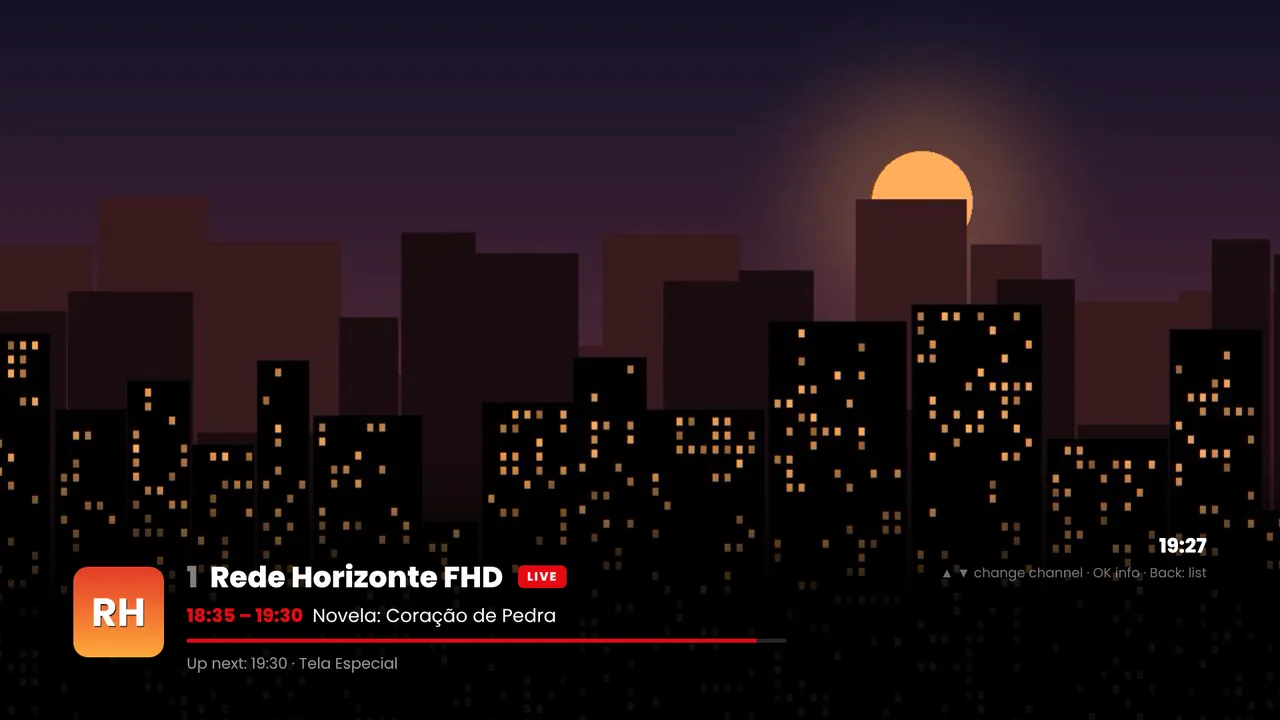
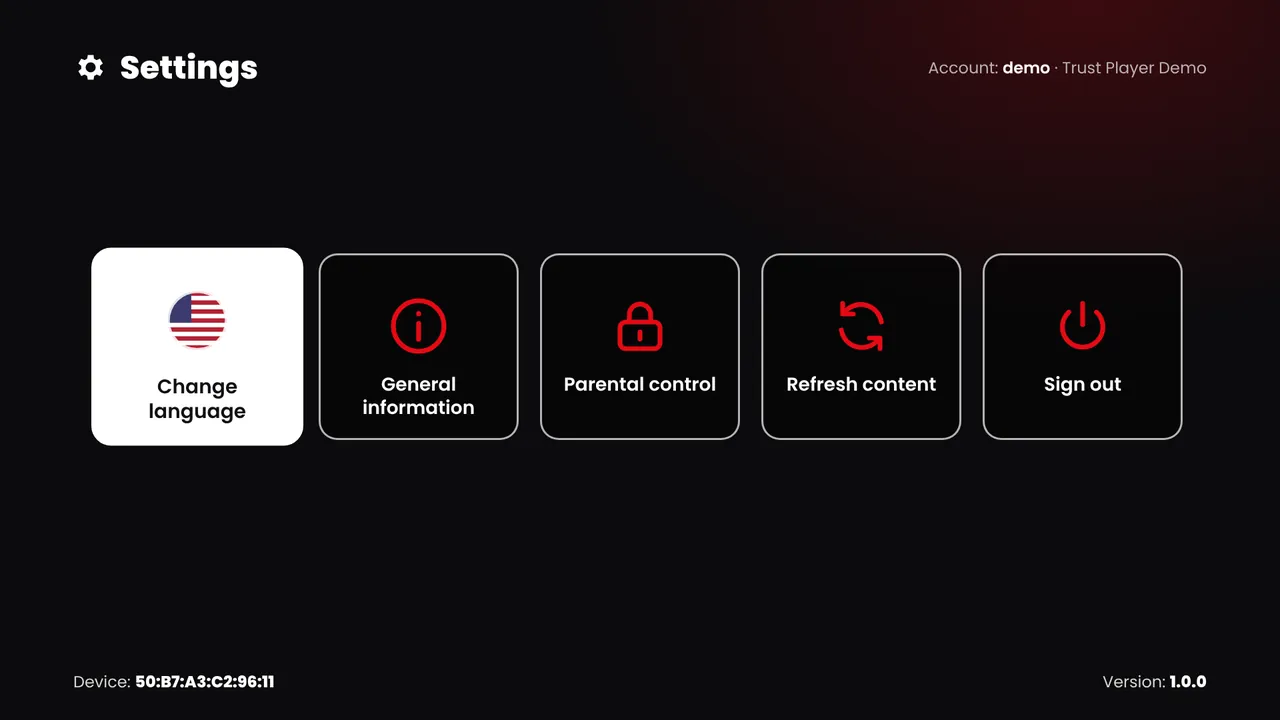
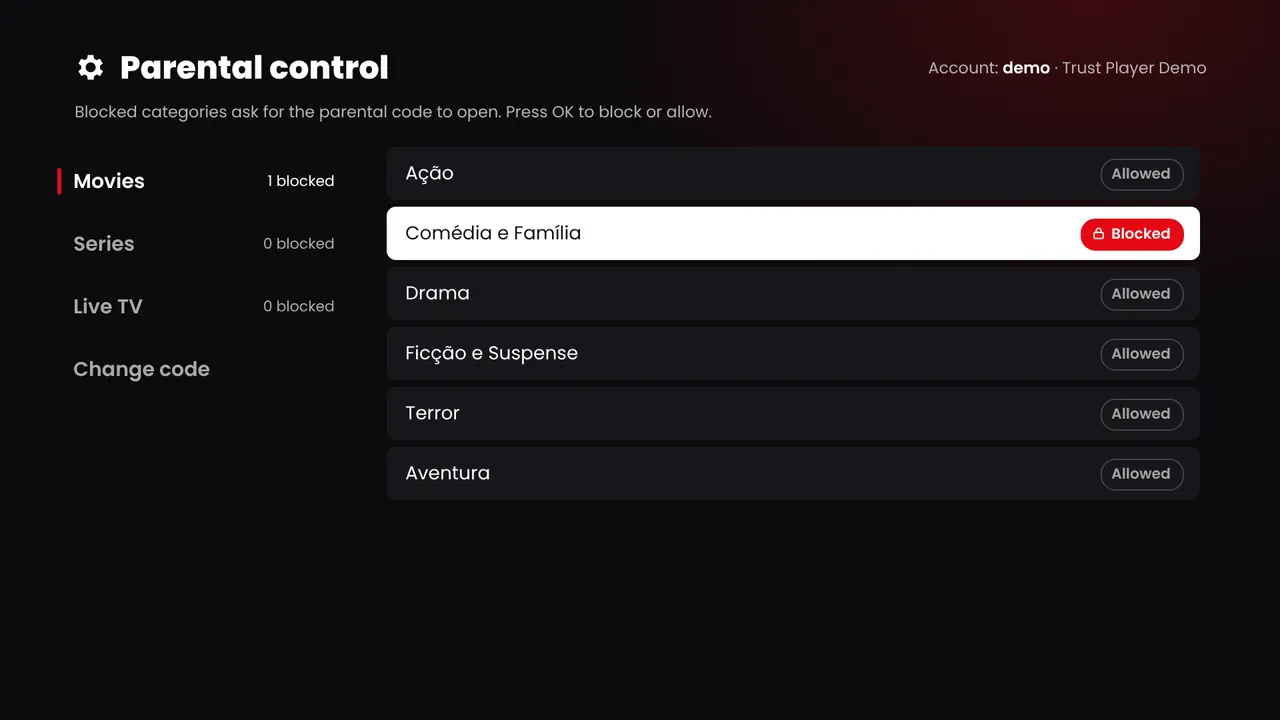
Keyboard: click the TV, then use the arrows, Enter and Backspace.
White label
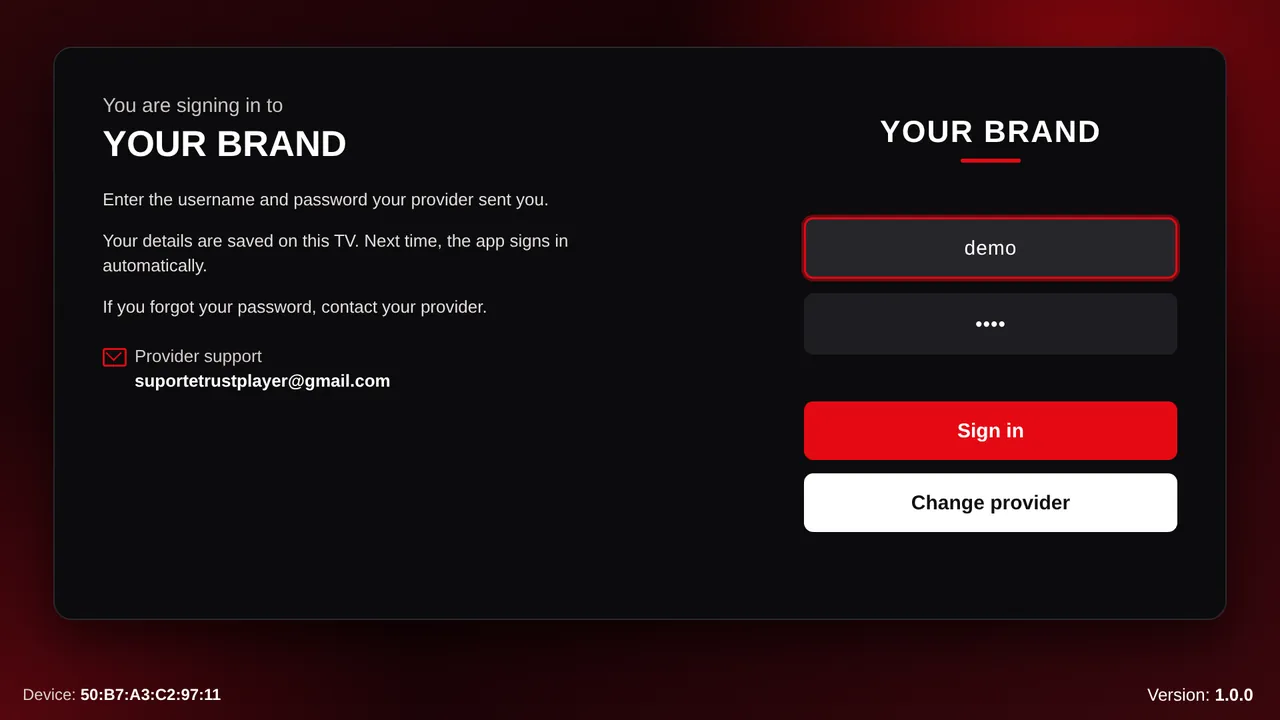
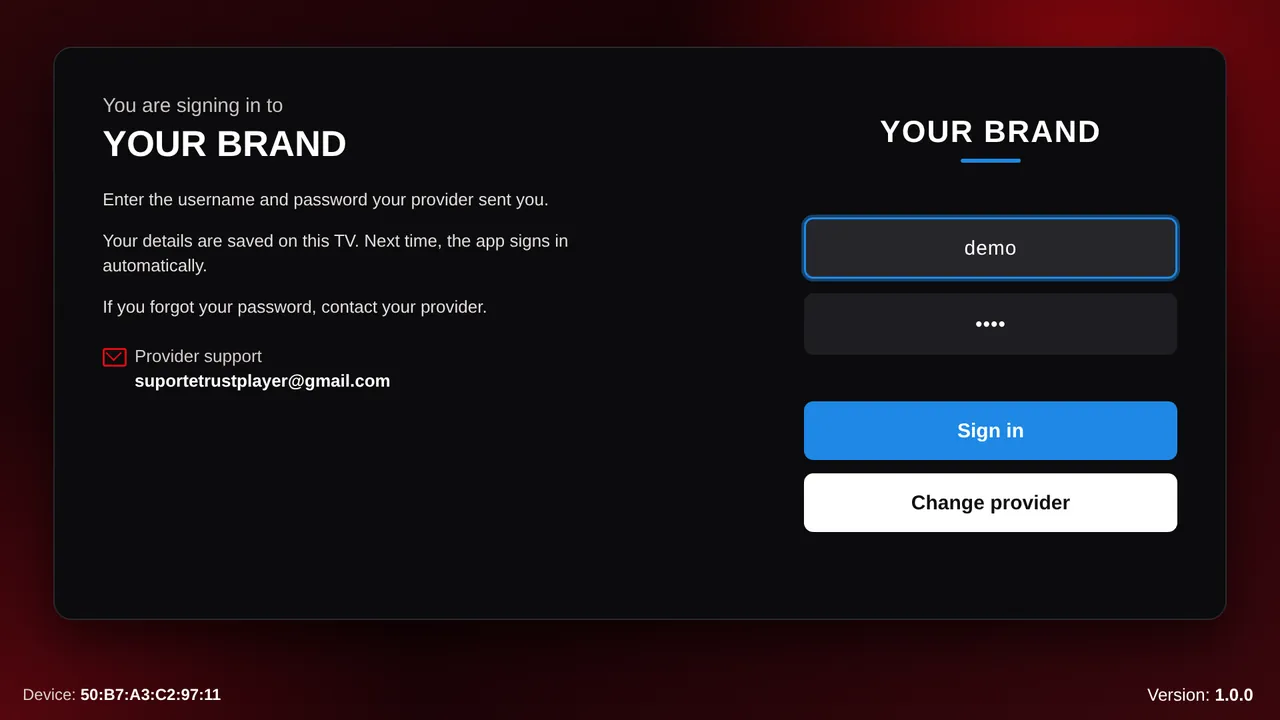
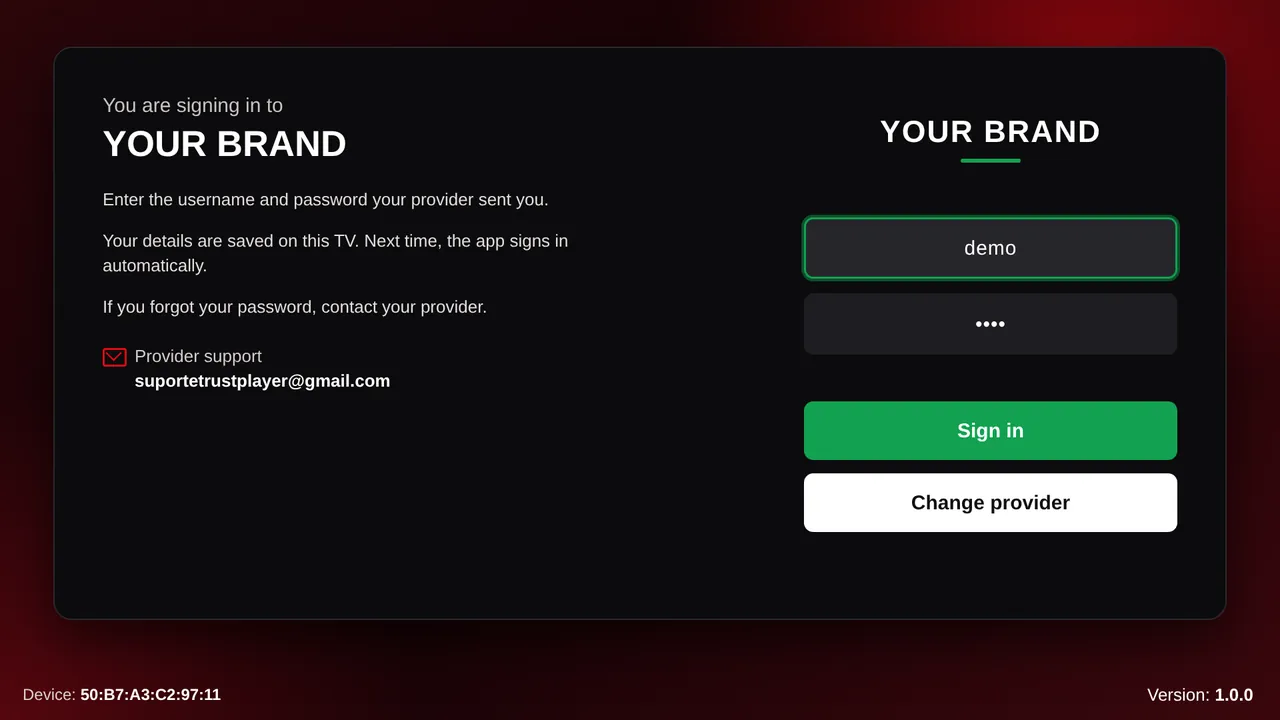
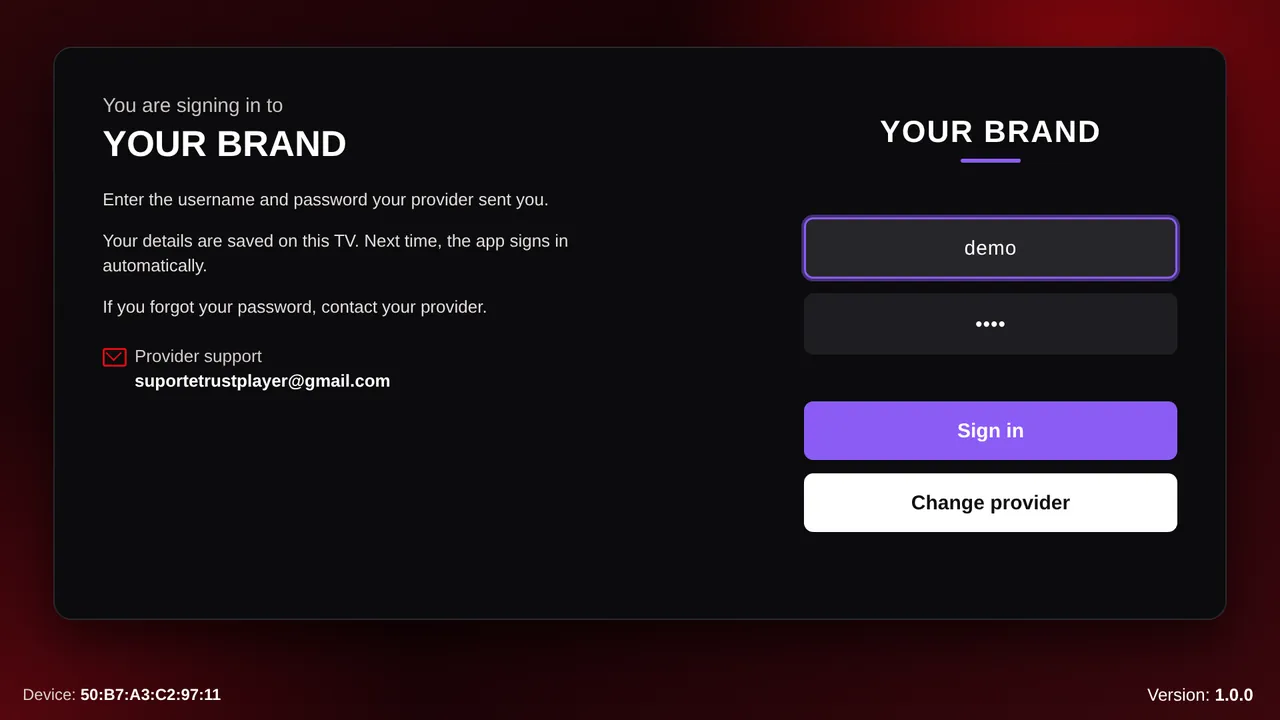
Each Provider ID has its own look inside the app. Pick a theme color and watch the sign-in screen change. This page follows along.
How it works
We open your access to the panel. There you set your Xtream API URL, logo, color and texts.
On their TV, phone or streaming device. The first screen asks for the Provider ID.
The app loads your logo and color, then asks for the username and password you sent.
Register the TV’s MAC address in the panel. Within 10 seconds the app signs in by itself.
Provider panel
A web panel for you and your resellers. See which TVs use your service, register new ones by MAC address and decide how the app looks and behaves.
| MAC | User | Origin | Last access |
|---|
Engineering
ES5
Plain ES5 JavaScript for the browser engines of older smart TVs. Tuned against 2018-era engines on a throttled CPU.
Native
The native player of each platform for movies, series and live channels (.ts and HLS), with a retry on redirects and an HTML5 fallback.
◀ OK ▶
Every screen works with the arrows, OK and Return. Held keys scroll smoothly, and focus stays put when you let go.
0.8 s
Home opened in 0.8 s in our tests. With the server delayed by 12 s, it still opened in under 6 s.
Layout
Full HD interface designed to be read from the couch: large text, rows you browse with the remote and a focus that is always visible. Choose the home layout in the panel.
pt en es
Portuguese, English and Spanish, following the TV’s language setting.
PIN
Parental control by category, for movies, series and live TV.
Return
Return and Exit behave as each platform requires, reinstalling clears the sign-in, and the screensaver stays off during playback.
Platforms
Samsung (Tizen) and LG (webOS). Full HD layout that scales to 4K panels, driven by the remote.
Samsung · LG · 1920×1080
Android, Roku and iOS, with the same panel and the same Provider IDs as the TVs.
Android · Roku · iOS
FAQ
No. Trust Player is only the player. Content comes from the provider the user subscribes to, through the Xtream API.
Samsung and LG smart TVs, Android, Roku and iOS. The same Provider ID works on all of them.
An Xtream API (player_api.php) with live channels, movies and series. The program guide comes from the same API. Live channels play as .ts or .m3u8.
Yes. Each Provider ID has its own name, logo, theme color, sign-in texts and support contact, all set in the panel.
They type your Provider ID, then the username and password you sent. Or you register the TV’s MAC address in the panel and the app signs in by itself.
Delete the TV in the panel. The next time the app opens, it goes back to the Provider ID screen.
Plans depend on the number of TVs and resellers. Talk to us on Telegram or by email and we will send a proposal.
Sales
Tell us about your service and how many TVs you serve. Write in Portuguese, English or Spanish.